02 / Documents
Find the paperwork with the piece.
Save receipts, certificates, and appraisal documents alongside the artwork. Record purchase cost, appraisal value, and insurance value separately.

Features
Give each artwork a record of its own, with room for the details and documents that tell its story.
01 / Catalog
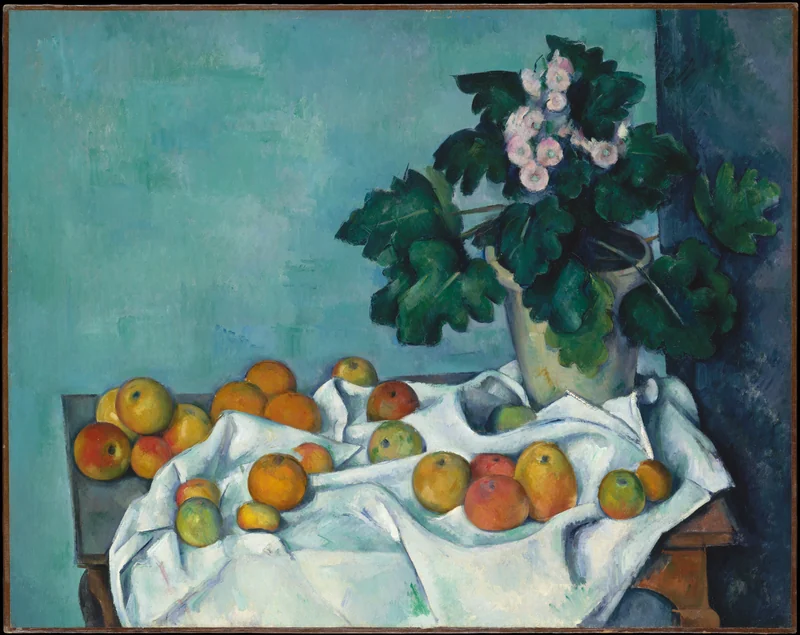
Take a photo or upload one you already have. Adjust how it sits in the gallery and add more photos for details, signatures, or the back of a piece.
02 / Documents
Save receipts, certificates, and appraisal documents alongside the artwork. Record purchase cost, appraisal value, and insurance value separately.
03 / Sharing
Collections are private by default. Invite someone to view or edit a collection, and choose separately whether they can see financial details or private documents.
04 / Printing and export
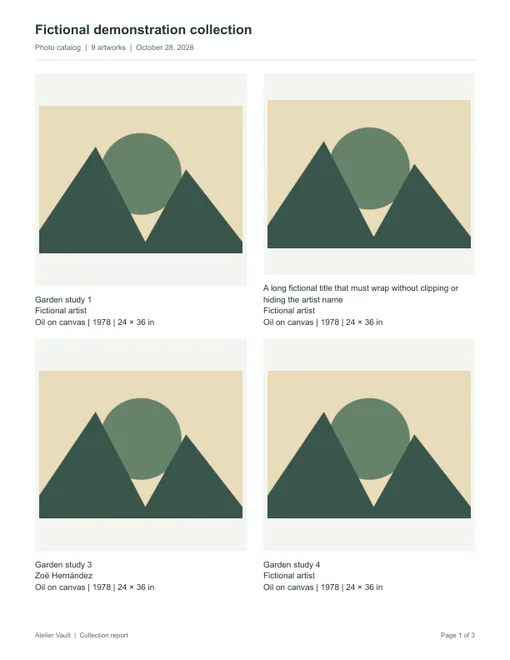
Print a quick inventory, a photo catalog, or a detailed record for a single artwork. Choose which pieces to include and whether to show notes or values.
Download a PDF to share or file away. Export a spreadsheet-friendly CSV or a ZIP archive with original files.
Sign in to PieceLore to view or manage your artwork.